
Building Your Website with Power Pages: The Ultimate Guide
Sign Up: Visit the Power Pages website and sign up for an account to get started.
- Initiate a Free Trial: Click on the Try it for free button.
Sign Up: Visit the Power Pages website and sign up for an account to get started.
In this blog, we will explore how to leverage JavaScript to manage field visibility in model-driven apps. We will cover the basics of adding JavaScript to your forms, writing functions to show or hide fields based on conditions, and best practices for maintaining clean and maintainable code. By the end of this guide, you will be equipped with the knowledge to create more dynamic and user-friendly model-driven apps, enhancing the overall experience for your users.
Prerequisites
Before you begin, ensure you have:
You're the IT administrator for a company that depends on SharePoint for teamwork. Suddenly, a department manager panics because their team's important SharePoint site, essential for projects, gets accidentally deleted. Your job is to quickly restore it using Microsoft 365 tools. Guiding the team through the recovery process.
Before diving into the process of restoring a deleted SharePoint site, it's essential to grasp the different types of sites available in SharePoint Online.
Exporting emails from Gmail and importing them into Outlook involves several steps to ensure a smooth transition of your email data between the two platforms.
Required
The username and password for each email users in Microsoft office in Microsoft office 365(Testing purpose)
Steps
For Google workspace
1.Enable IMAP for mail migration.
Create a SharePoint list give it a name of your choice. E.g.
This is the word document template that gets populated by Power Automate. Then it gets converted into a PDF and is sent via email.
Power Apps is Microsoft's low-code/no-code platform for building custom applications that connect to various data sources, including cloud and on-premises databases.
It also integrates with Power Automate for workflow automation and creates adaptable apps for different devices.
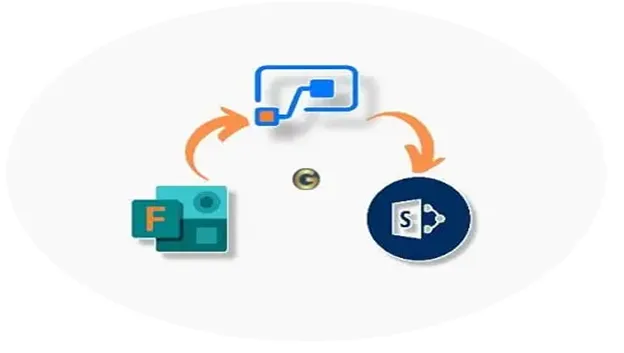
A Step-by-Step Guide to Creating approval and automation Workflows when a new Microsoft form has been submitted in Power automate.