

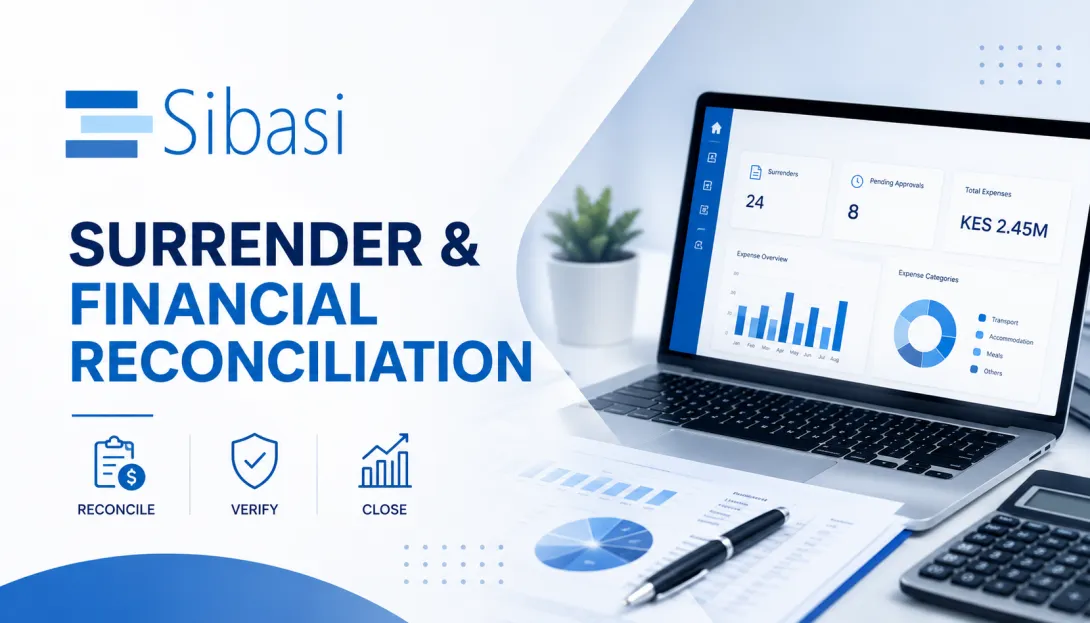
Surrender & Financial Reconciliation
In today’s fast‑paced work environment, organizations regularly spend money on field activities, operations, and internal tasks. While spending funds is necessary to get work done.
Many organizations struggle to confirm how money was used, match expenses to actual work done, and close financial records accurately. When this process is handled manually, it often leads to delays, missing documents, calculation errors, and audit challenges.
That’s where a Surrender & Financial Reconciliation App comes in.
Key Features of the Surrender & Financial Reconciliation Application
A good reconciliation system is not just about numbers—it makes the entire process easier for users, reviewers, and finance teams.
1. Simple Surrender Creation
Users can create a surrender record easily once an activity is completed.
The system automatically:
- Creates the surrender record
- Loads planned budget items
- Links any related financial records
This minimizes manual entry and keeps information consistent.
2. Automatic Expense Calculations
No more manual calculations or spreadsheets.
As users enter actual expenses, the system automatically calculates:
- Total amount spent
- Any balance that must be returned
- Any additional amount that requires reimbursement
This reduces errors and saves time.
3. Centralized Supporting Documentation
All documents tied to the surrender are stored in one place, including:
- M‑Pesa disbursements
- Expense claims
- Back‑to‑Office Reports (BToR)
- Staff per diem records
Reviewers and auditors can easily access everything they need without chasing paperwork.
4. M‑Pesa Disbursement Management
The system simplifies tracking of mobile money payments.
Users can paste Excel data directly into the system, which then:
- Captures recipient details
- Records transaction amounts
- Stores payment reference numbers
- Automatically validates totals
This ensures every mobile money transaction is clearly accounted for.
5. Expense Claims Management
Staff can submit expense claims for any personal or out‑of‑pocket expenses incurred during the activity.
These claims:
- Follow structured approval workflows
- Are linked directly to the surrender
- Automatically appear once approved
This speeds up reconciliation and reduces duplication.
6. Activity Reporting (Back‑to‑Office Report – BToR)
The Back‑to‑Office Report (BToR) explains the reason behind the spending.
It captures:
- The purpose of the activity
- Key outcomes achieved
- Field observations
- Additional notes and context
This ensures expenses are tied to real, verified work.
7. Staff Per Diem Management
Staff per diems are captured and reviewed as part of the surrender.
Approvers can easily confirm:
- Approved allowances
- Actual travel duration
- Compliance with internal policies
This promotes fairness and transparency.
8. Structured Approval Workflows
Every surrender goes through a defined approval process to ensure accuracy and compliance.
Approvals typically involve:
- Supervisors
- Finance teams
- Senior management
This keeps the process consistent and accountable.
9. Full Audit Trail and Transparency
Every action in the system is recorded—from data entry to approvals.
This provides:
- Complete traceability
- Faster audits
- Reduced risk of discrepancies or disputes
How the Process Works
Even though financial reconciliation can sound complex, the system breaks it down into clear, logical steps.
Step 1: Create a Surrender
Once an activity is completed, the user creates a surrender record in the system.
Step 2: Enter Actual Expenses
The user records what was actually spent for each budget item.
The system immediately calculates:
- Any balance to be returned
- Any reimbursement required
Step 3: Attach Supporting Records
All related documents are linked, including:
- M‑Pesa disbursements
- Expense claims
- Back‑to‑Office Reports
- Staff per diems
Step 4: Review and Approval
The surrender is reviewed and approved through the defined workflow.
Step 5: Financial Settlement
- If funds remain → they are returned and recorded
- If there is overspending → reimbursement is processed
Step 6: Closure
- The surrender is marked Completed
- The financial record is officially closed
Benefits of Using a Surrender & Financial Reconciliation Module
Organizations that use this system experience clear advantages:
- Improved accuracy – Automated calculations reduce errors
- Better visibility – Every expense and status is easy to track
- Faster processing – Less manual work and fewer delays
- Stronger accountability – Every expense is justified
- Centralized records – All documents in one place
- Audit‑ready – Full financial transparency
- Scalable – Supports both small and large operations
Conclusion
Post‑activity financial management doesn’t have to be stressful or complicated.
A Surrender & Financial Reconciliation application brings structure, clarity, and confidence to the entire process. It ensures that money spent is properly documented, expenses are verified, and records are closed correctly.
As organizations grow and financial oversight becomes more important, having a system like this is no longer optional, it’s essential.
If you’re looking to streamline your surrender and reconciliation process or implement a solution like this, feel free to reach out—we’d be happy to help you get started.