

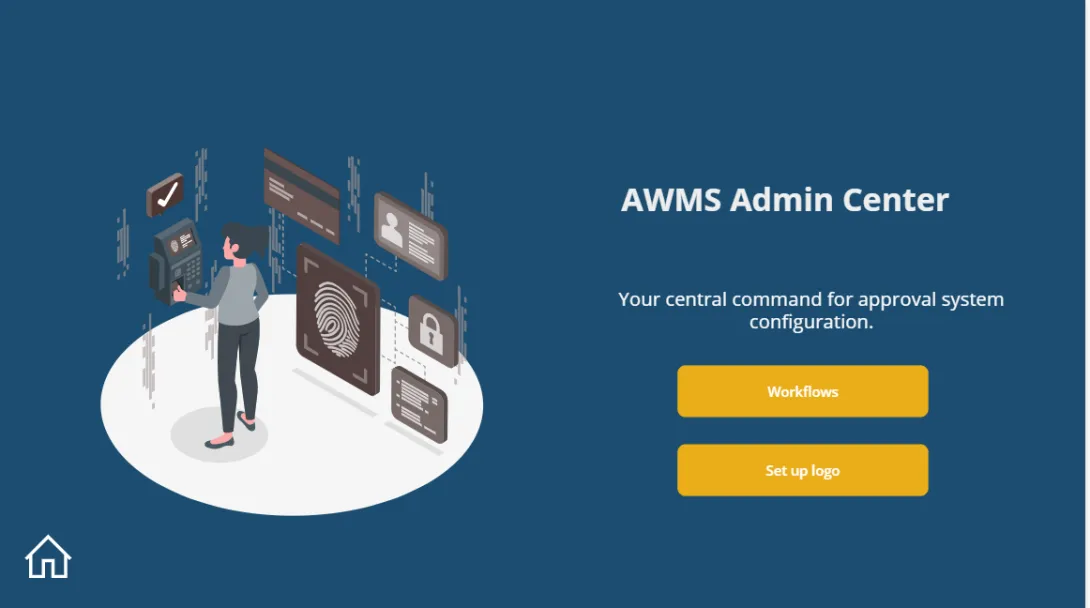
1. Workflow Management
Admins can create, modify, and manage workflows to match their organization’s approval processes. Each workflow consists of multiple stages, where different approvers take action.
Capabilities:
- Define multiple workflows for different request types
- Set approval stages with unique conditions
- Assign default approvers or dynamic role-based approvers
2. Stage & Role Customization
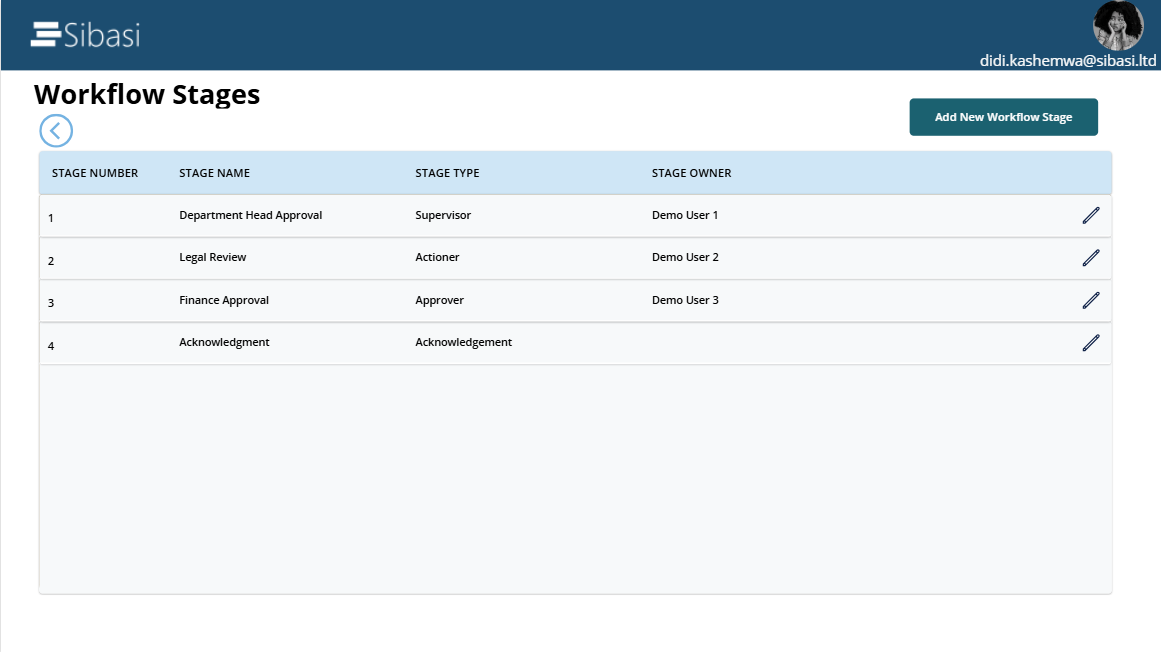
Each workflow is made up of approval stages, and AWMS provides fine-grained control over who approves what.
Capabilities:
- Configure approval sequences (e.g., Supervisor → Manager → Director)
- Set conditional approval logic based on request type
- Define automatic escalations for delayed approvals
3. Real-Time Tracking & Audit Logs
Transparency is a key concern for organizations. Admins have access to a full audit trail, ensuring that no approval request goes untracked.
Capabilities:
- View real-time approval statuses
- Track who approved, rejected, or modified a request
- Export approval logs for compliance and reporting
4. User & Role Management
Admins can assign, remove, or modify user roles, ensuring the right people have access to approve requests.
Capabilities:
- Define user roles (Requester, Approver, Admin, Super Admin)
- Grant or restrict access to approval workflows
- Manage permissions dynamically through Microsoft 365 integration
5. Notifications & Reminders
AWMS ensures that no request is lost in a backlog by providing automated notifications to approvers and requesters.
Capabilities:
- Send automated emails for pending approvals
- Notify requesters when their approval status changes